Play on PS5.Without buying a PS5.
A real PlayStation 5, hosted in France and reserved for you alone. You open a tab on your Mac, your PC or your TV, and you play your games.
From€2.68per hour, no subscription.
- 30-minute trial free
- Games are not supplied
GTA 619 November 2026, no PC version
Limited spotspeople on the list book first
Play it without buying a console
- macOS
- Windows
- Google TV
- Android TV
Everything that runs on PS5 runs on Ploud
A whole console is reserved for you, not a negotiated catalogue. You install the games from your PlayStation Network account on it, the ones you already own and the ones you will buy.

GTA 6
19 November 2026
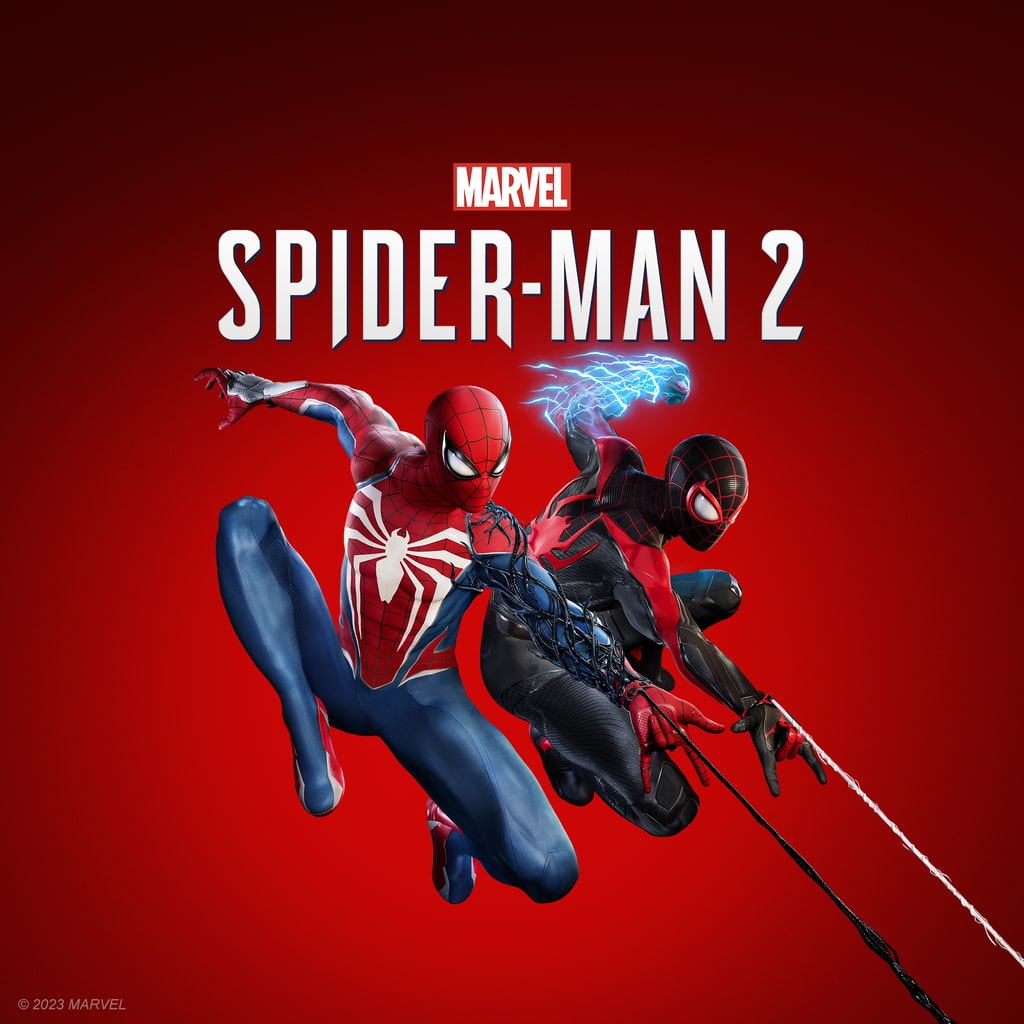
Marvel's Spider-Man 2
Available

Marvel's Wolverine
15 September 2026

Ghost of Yōtei
Available

EA Sports FC 26
Available
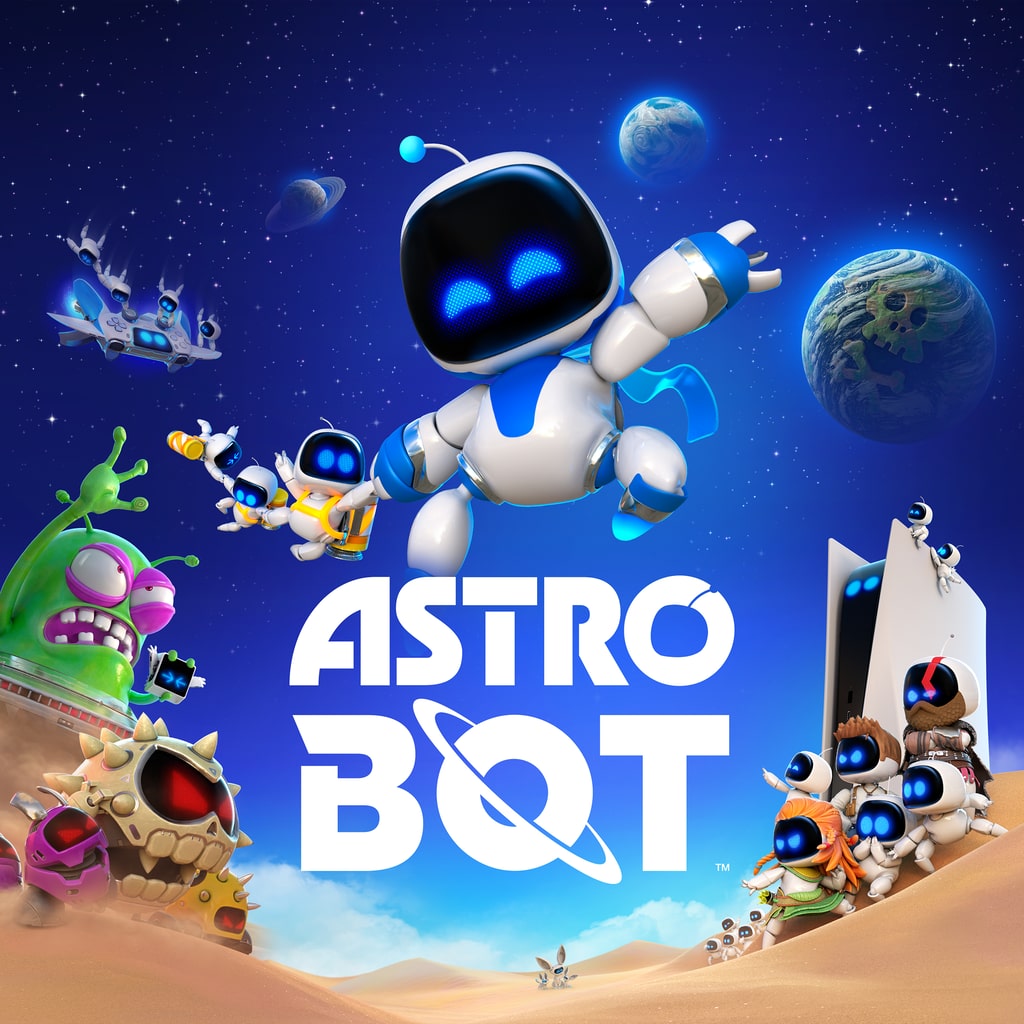
Astro Bot
Available
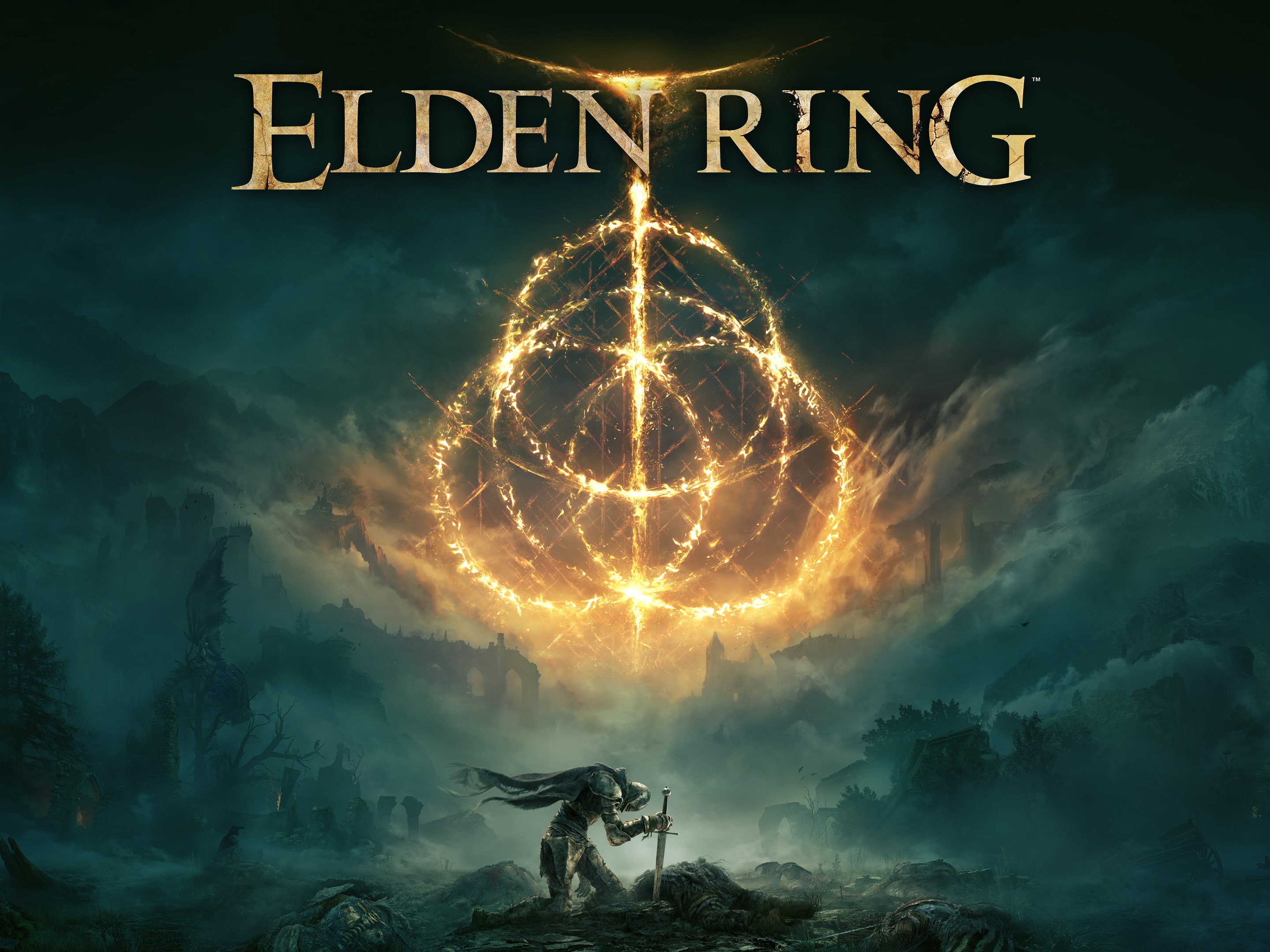
Elden Ring
Available
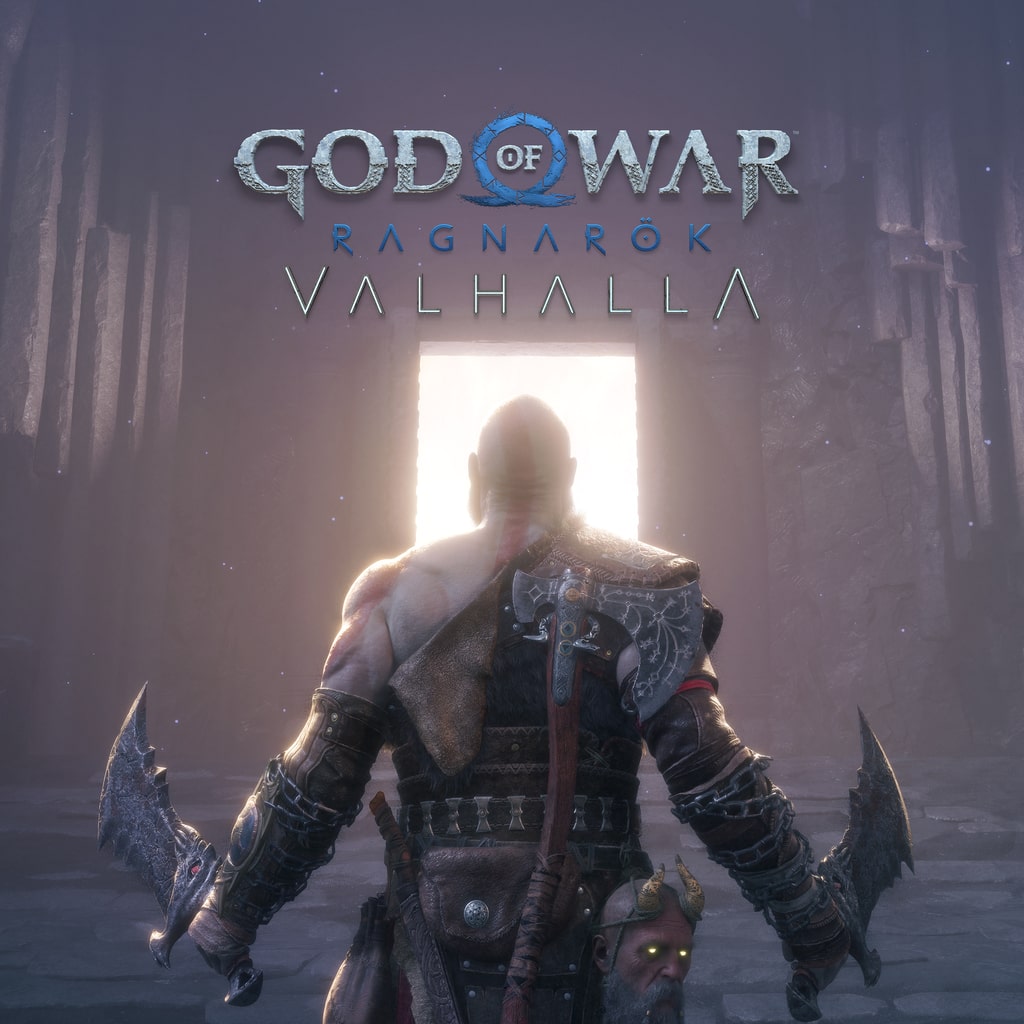
God of War Ragnarök
Available
Black Myth: Wukong
Available
Baldur's Gate 3
Available
Resident Evil 4
Available
Gran Turismo 7
Available
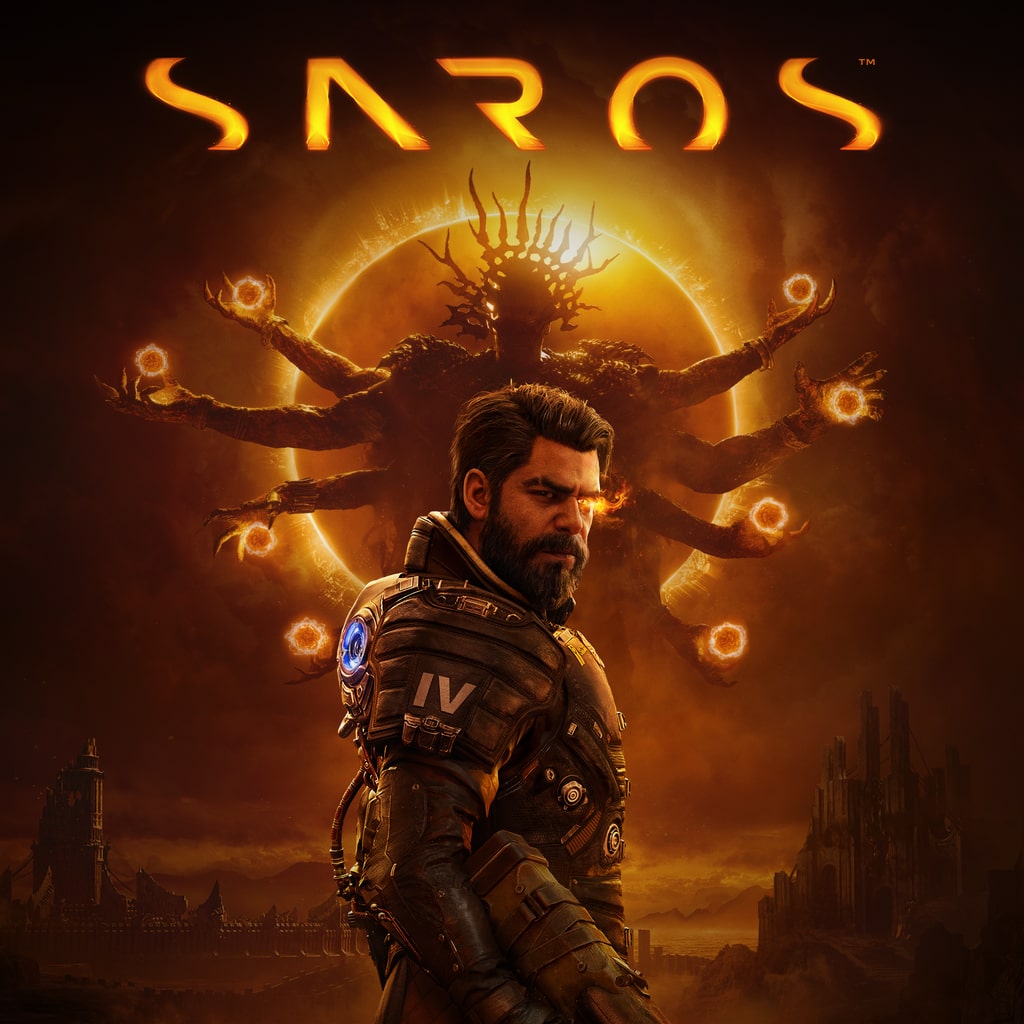
Saros
Available

God of War Laufey
16 February 2027
What you play on
Three screens, and that is all we support: your Mac, your PC, your TV. Nothing to download on a computer, no box to buy for the TV.
On Mac
macOS 13 and later
- No installation
- Safari or Chrome
- Hardware decoding
- 1You open ploud.cloud in a tab
- 2You pair the DualSense over Bluetooth
- 3You click Play, and the picture appears
On PC
Windows 10 and 11
- No installation
- Chrome or Edge
- DualSense over USB or Bluetooth
- 1You open ploud.cloud in a tab
- 2You plug in the controller, the browser recognises it
- 3You click Play, and the picture appears
On your TV
Google TV and Android TV 10+
- Free app
- No box to buy
- Game mode recommended
- 1You install Moonlight from the Play Store
- 2You enter the four-digit code shown on your account
- 3The console appears in the app, and you launch it
DualSense controller over Bluetooth or USB, or any controller the browser recognises. Linux and ChromeOS also work, through Chrome. Test your connection's eligibility, in thirty seconds.
PS5 by the hour, on a sliding scale
You buy an hours credit, not a subscription. The more you take, the less each hour costs, and what you have not played stays valid.
€3.10
per hour of play
Campaign90 h of credit, no expiry
€3.97
€3.10
€2.68
Another 5 h and the hour drops to €2.68. An hour played at night only uses half an hour of credit.
| Tier | Credit | Validity | Per hour |
|---|---|---|---|
| Discovery | 30 h | no expiry | €3.97 |
| Campaign | 90 h | no expiry | €3.10 |
| Complete | 160 h | no expiry | €2.68 |
Free 30-minute trial, once per account. You buy an hours credit, nothing renews and an idle console costs nothing. The tier amount is shown to you at checkout. Game price not included. Best rate in the price list: €1.34 per hour when playing between 2 am and 8 am.
Included
- 30 minutes of free trial, once per account
- A dedicated physical PlayStation 5, always the same one
- 200 GB of reserved storage, kept between sessions
- Console time, counted by the second
Not included
- Games: you play your own, with your PSN account
- A PlayStation Plus subscription, if a game requires it for multiplayer
- No Ploud subscription, nothing auto-renews
Ploud rents console time, not games. The right to rent out a video game belongs to its publisher: no service can rent it to you without their consent. You bring your PlayStation Network account and the titles you have bought.
The game runs on our side, the picture arrives on yours
Your screen
Mac, PC or TV
your controller
the game picture
Your PS5
physical, in France, yours alone
The full round trip takes 60 to 100 milliseconds, a tenth of a second at most.
You book a slot
A physical console is assigned to you, and it's always the same one you get back.
You open your PSN account
Your games, installed once, kept on 200 GB reserved just for you.
You play
Counted by the second. You close the tab, the console stops and costs nothing more.
Specifications
- Console
- Dedicated PlayStation 5
- Picture
- 1080p, 60 fps, HDR10
- Latency
- 60 to 100 ms
- Connection
- 25 Mbit/s, 40 recommended
- Transport
- WebRTC, DTLS-SRTP
- Storage
- 200 GB reserved
- Controller
- DualSense, Bluetooth or USB
- Hosting
- France
- Games
- Your own, via your PSN account
Frequently asked questions
Which games can I play?
At Ploud, all the ones you own on your PlayStation Network account, including the exclusives Sony no longer brings to PC: Gran Turismo 7, Astro Bot, Ghost of Yōtei, Saros, Marvel's Wolverine and God of War Laufey. GTA 6 is added to that, with no PC version announced.
Do I need to own the games?
Yes. Ploud rents console time, not games. You log into your PlayStation Network account and play the titles you've bought.
Does it really work on Mac and on my TV?
Yes. Ploud works on Mac in Safari or Chrome, with nothing to install, and every Apple Silicon Mac decodes the stream in hardware. On a Google TV or Android TV, you go through the Moonlight app, free on the Play Store: it's the TV's own system doing the work, and there's no box to buy. Remember to turn on the screen's Game mode, it removes 20 to 80 ms of image processing.
Do I need to install anything?
On Mac and PC, no: Ploud runs in a tab, there's no software or extension. On a TV, a browser can't be controlled with a remote, so you go through the Moonlight app, free and open source on the Play Store.
What is Moonlight, and why go through a third-party app?
Moonlight is a free, open-source game streaming client, published under the GPL licence and maintained since 2013. On a TV, it does two things a browser can't: use the screen's hardware video decoder, and be controlled entirely with a controller. You install it once, enter the code shown on your account, and the console appears in the list. Ploud never asks for your PlayStation login details in this app.
How do I connect my controller?
On computer, Ploud reads the controller through the browser's Gamepad API: the DualSense connects over Bluetooth or USB, and there's nothing to configure. On a TV, you pair it with the TV itself, like any controller, and Moonlight passes it through. Any controller recognised by the system works, the DualSense isn't required.
What internet connection do I need?
Ploud needs 25 Mbit/s download, and 40 Mbit/s gives you a comfortable margin. Stability matters more than speed: an Ethernet connection or 5 GHz Wi-Fi beats a congested 2.4 GHz Wi-Fi. The eligibility test on ploud.cloud measures both in thirty seconds, with no sign-up.
How do I know if my connection is eligible?
By running the eligibility test at ploud.cloud/test-de-latence. It runs in your browser, takes about thirty seconds, and asks for no sign-up or installation. It times the round trip between your device and Paris, measures jitter, meaning how much that time varies from one round trip to the next, and reads your download speed. Under 100 ms in total, everything plays comfortably, including fast-paced games. Between 100 and 140 ms, adventure and open-world games play without any bother. Beyond that, you first need to switch to Ethernet or 5 GHz Wi-Fi, then measure again.
Do I need fibre to be eligible?
No, Ploud doesn't require fibre. It's the consistency of the line that decides, not its technology: a stable ADSL line close to the exchange can perform better than a shared fibre line on match night. Fixed 4G or 5G also works, as long as jitter stays low. The eligibility test settles it in thirty seconds, whichever ISP you use.
Are my save files kept?
Yes. Ploud assigns you the same physical console for every session and reserves 200 GB of storage for you, which keeps your saves and avoids re-downloading your games.
Is it a subscription?
No. Ploud doesn't sell any subscription: you buy an hours credit that has no expiry and doesn't auto-renew. A Ploud console on standby is never billed to you, and an hour played between 2 am and 8 am only counts as half.
What happens in the first session?
You get a four-digit code and a time slot. You open Ploud, enter the code, and the console assigned to you starts up. You log into your PlayStation Network account once, install your games on the 200 GB reserved for you, and they'll be waiting for you from one session to the next. The console stays the same every time.
Is the service already open?
Not yet. Ploud will launch before GTA 6 comes out, with no fixed date so far. The infrastructure is being rolled out, and the waiting list is used to size the console fleet. Sign-ups are notified first and book before the public launch.
The games you can only play on PlayStation 5
In 2026 Sony stopped porting its single-player games to PC. These titles will not come out anywhere but console, and GTA 6 has no PC version announced.
- Upcoming release
Marvel's Wolverine
15 September 2026
- The most anticipated
GTA 6
19 November 2026
God of War Laufey
16 February 2027
Saros
Released on 30 April 2026
Ghost of Yōtei
Released on 2 October 2025
- 2024 Game of the Year
Astro Bot
Released on 6 September 2024
Gran Turismo 7
Released on 4 March 2022
Next release, Marvel's Wolverine, on 15 September 2026. Have your console ready.
Guides
What you need to know before 19 November 2026, without rumours. Every figure carries its source, and every page also says what is not known.
Have a console ready before the releases
People on the list book before everyone else. No payment now, a single email when we open.